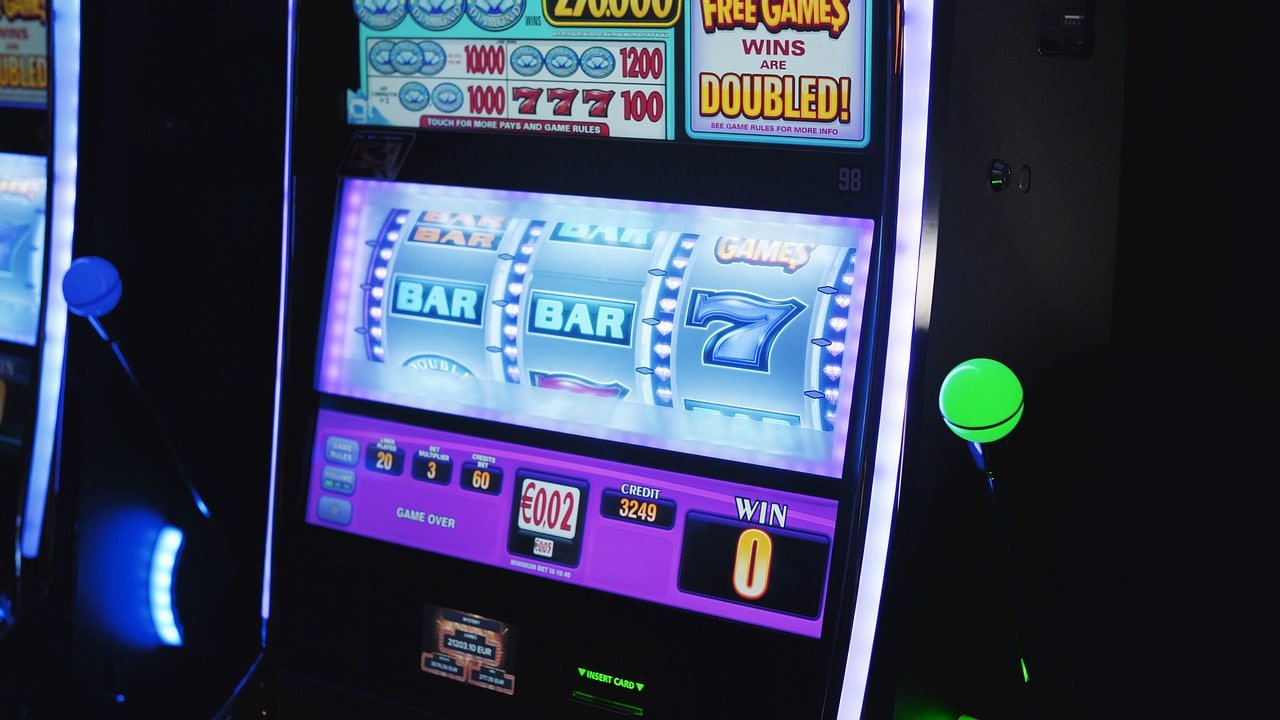
Enjoy Sports Betting, Live Casino, and the full game lobby anytime, anywhere with the bdk1 mobile app. Fast installation, an intuitive interface, and secure payments — all in one place.
Play your way — Android, iOS, or straight from your browser
Install the APK file directly on any Android phone. Lightweight size, fast performance.
Safe & Verified APK
Get the full bdk1 experience on your iOS device. Smooth animations and a touch-optimized UI.
Safe & Verified
Use bdk1 directly from your browser with no download required. Compatible with Chrome, Safari, and more.
Instant Access
Even if bdk1 isn't available on the Google Play Store, installing the app is straightforward. Just follow the steps below and you'll be up and running in about 3 minutes.
Go to your phone's Settings > Security > Unknown Sources and enable it. You only need to do this once.
Tap the "Download for Android" button above. The file will be saved to your phone's Downloads folder.
Open the downloaded APK file and tap "Install". It will be installed within seconds.
Open the app. If you already have an account, log in. Otherwise, sign up for a new account.
Deposit via bKash or Nagad and place bets on your favorite games or sports.
Why Millions of Bangladeshis Choose the bdk1 App
The bdk1 app loads fast even on 3G networks. Slow internet won't interrupt your gaming or betting experience.
Your account is always protected with 256-bit SSL encryption and two-factor authentication.
Live scores, odds updates, and match notifications delivered to your phone instantly.
Deposit and withdraw via bKash, Nagad, Rocket, and all other popular mobile banking services in just a few taps.
A dark interface designed with eye comfort in mind — play late into the night without any strain.
Get support in Bengali via Live Chat right inside the app. We're always here to help with any issue.
View your full bet history, win/loss details, and balance summary all in one place.
Exclusive bonus offers, cashback, and free bets available for app users only.
Get instant notifications on your phone when your favorite team's match kicks off, a goal is scored, or a bonus offer drops.
See at a glance what each platform offers and pick the option that suits you best.
Mobile internet usage in Bangladesh is growing every day, and so is the demand for mobile gaming and betting. bdk1 understands this well. That's why we've built an app that's not just packed with features, but also easy to use — even for those who've never tried anything like it before.
One of the biggest advantages of the bdk1 app is its compact size — around 50 MB — yet it packs in everything from Sports Betting and Live Casino to fish games and slots. No need to download separate apps for each.
Most of our users access bdk1 from their phones, so the app was designed with mobile in mind from day one. Every button and piece of information is clearly visible even on smaller screens. Live match odds update in real time, and placing a bet on any match takes just a few taps.
Many users run into friction when making payments on other betting platforms — needing a bank card, dealing with foreign currencies, or paying high transfer fees. bdk1 has none of that. You can deposit instantly using familiar apps like bKash, Nagad, and Rocket. The minimum deposit is also low, so anyone can get started regardless of budget.
Bdk1 regularly releases app updates with new features, security improvements, and bug fixes. Android users will receive update notifications within the app and can update in one tap. iOS users will need to update via the App Store. It's always best to keep the app up to date for the smoothest performance.
First-time users who download the bdk1 app and register will receive a welcome bonus. There's also an opportunity to earn extra credits on your first deposit. For full details on bonus terms and conditions, visit our Terms and Conditions View the page.

If you run into any issues during installation, contact our Live Chat support. Help is available in Bengali.
IPhone and iPad users can get the bdk1 app with ease. Just follow the steps below.
This will take you to bdk1's official iOS installation page.
Go to Settings > General > VPN & Device Management and trust the bdk1 profile.
Once installation is complete, the bdk1 icon will appear on your home screen.
After your first login, set up Face ID or Touch ID — from then on, you're in with a single touch.
Frequently Asked Questions About Download & Installation